
3D scanner Peel 3D Peel 3 Pro.CAD
Peel 3 Pro.CAD
€12690.00
Peel 3 Pro.CAD 3D Scanner: 3D Scanning and Steel Processing Made Easier
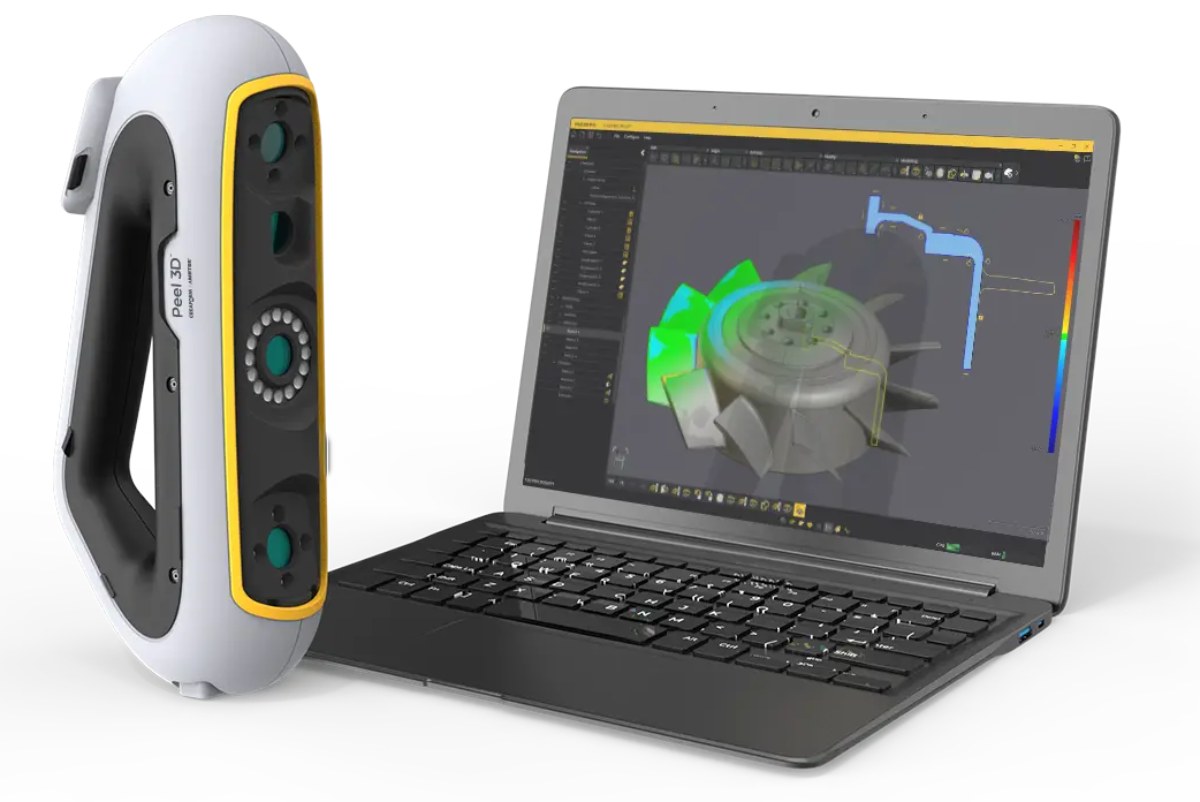
Peel 3 Pro.CAD 3D scanner: simple scanning and file processing. A professional reverse engineering tool will simplify complex workflows, help increase productivity and quickly generate profits. It is equipped with powerful Peel.CAD Pro software. This software offers a comprehensive solution for scanning in CAD. You will be able to develop your projects in the same program that is optimized for 3D modeling based on scan data.
Peel 3D Scanner Features
Permissible object sizes: 0.1-3.0 meters.
Scanning accuracy 0.050 mm.
Scanning area: 340x475 mm.
Scanning speed: 80 sec/m 2.
Distance to object: 250–550 mm.
Intuitive ergonomics.
Tactile communication.
Clear interface.
Easy 3D scanning training.
Scanner comes with software.
No need to constantly go to the computer.
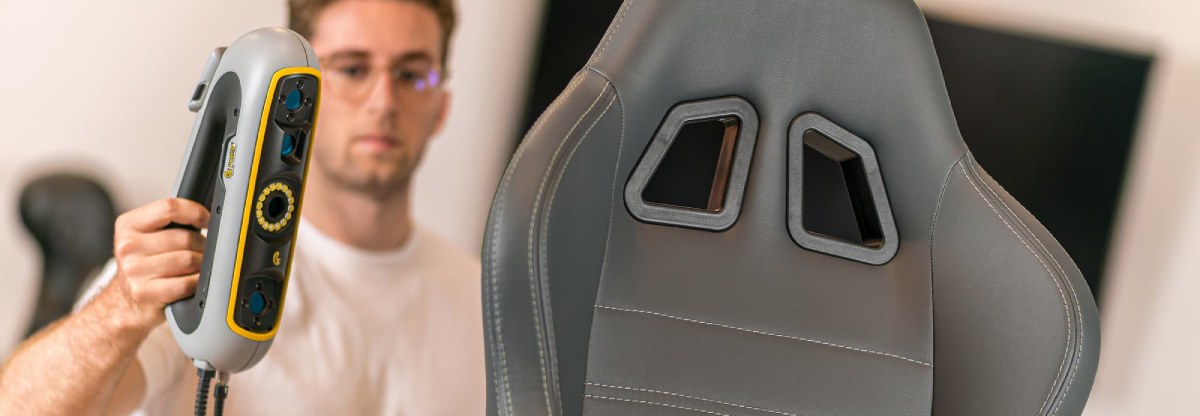
The convenient Peel 3 design and distance meter allow you to scan effortlessly.
Ultra-ergonomic handle and smooth LCD screen in the Peel 3 Pro.CAD 3D scanner
The unique triangular Peel 3D handle is designed for convenience. It is suitable for most common 3D scanning positions. The smooth touch LCD screen allows you to interact with the scanner in a new way. It can also be used as a distance meter. This allows you to scan without looking at the computer.
Tactile Communication and a New Universal Interface
Peel 3 Pro.CAD is a handheld 3D scanner with tactile communication. It has several recognizable vibration patterns. They help scan narrow and hard-to-reach places without direct visibility. The flexible software interface is optimized for maximum use of scan data. It simplifies work and provides a better user experience.
.jpg)
Professional Features for Increased Efficiency
Peel 3 Pro.CAD offers powerful reverse engineering tools. They help eliminate unnecessary correspondence and increase work efficiency. Innovation and optimization accelerate and simplify sketching and CAD modeling based on scan data.
Creating a 3D Model with the Peel 3 Pro.CAD Scanner
Scan the object.
Complete and align the grid.
Create a sketch.
Model.
Compare and refine.
Export.
Peel 3 Pro.CAD Package Contents
Package includes:
Bridge-to-CAD software.
Power source.
USB cable.
Scanning markers.
Waterproof, shockproof and dustproof case allows you to comfortably transport the scanner.
.jpg)
Peel 3 Pro.CAD 3D Scanner – Areas of Use
The global Peel 3D user community has appreciated the wide capabilities of practical and functional Peel 3 scanners. The new generation Peel 3 Pro.CAD device will help take reverse engineering to a new level.
Peel 3D scanners can be used for after-sales service and tuning, product design, and engineering.
Reverse Engineering in Design
Spend more time designing and less time 3D scanning! Speed up time to market without unnecessary hassle.
Automotive Engineering
Quickly manufacture the necessary parts with an easy-to-use 3D scanner. It will help you recreate the real necessary components.